Design barcode labels. Fill them from your spreadsheet.
Combine a barcode with product names, bin locations and logos. Reuse the design for the next delivery, stock count or label run.
Start with a printable result
Paste a few codes into the bulk generator, choose a roll label or Avery sheet, and download up to five labels free. Then open the batch workspace with your data already mapped.
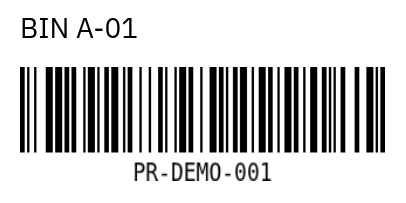
One design, different values and quantities
- Design the layout. Add text and barcode objects. Use the field picker to insert a field such as sku or product_name without typing placeholder syntax.
- Enter or import values. Fill the fields in Print / PDF for an individual job, or map Excel / CSV columns for a batch.
- Select the records. Choose the SKUs you need and optionally map a quantity column. A value of 0 skips that record. Preview every sheet before output.
- Proof, then repeat. Download a free five-label proof. Pro adds complete batches and saved lists, including the column mapping and quantity setting.
Barcode formats
The designer supports Code 128, Code 39, Code 93, UPC-A, EAN-13, ITF, Codabar, QR, Data Matrix, PDF417 and GS1-128. The quick bulk tool offers Code 128, Code 39, EAN-13 and UPC-A. Use the format and correctly assigned values required by your receiving system. Generating an image does not register a retail identifier or establish standards compliance.
Keep one design for changing records
Trim spaces, change letter case and add a prefix or suffix. Hide an empty bin line, or show a badge only when a status field matches. These rules apply to previews and output. Try the reusable inventory label or read the data rules walkthrough.
Catch input errors before using label stock
Missing required values, invalid barcode values, duplicate CSV headers and invalid quantities block output. You can deselect records you do not want in the run. Check the preview for clipped text and scan a printed proof: software validation cannot establish physical scan quality.
Free proof and paid batches
Individual manually entered designs and five-label batch proofs export free. Pro is $12/month, with an optional $120 annual plan and a 14-day trial for new accounts. Full batch output supports up to 100 roll labels or ten sheets per PDF, and up to 500 imported records. PDF export requires no printer installation. Direct printing uses a compatible driver and the Print Bridge.