
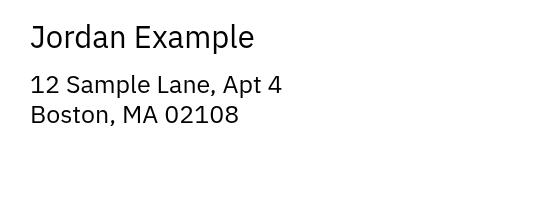
Address sheet
30 labels on US Letter
A 5160-family layout with a fictional address and a leading-zero ZIP code. Print the PDF on plain paper first.
Download a sample PDF, inspect its layout, then open the editable version in PaperReady. These files use fictional data and work without an account.
30 labels on US Letter
A 5160-family layout with a fictional address and a leading-zero ZIP code. Print the PDF on plain paper first.
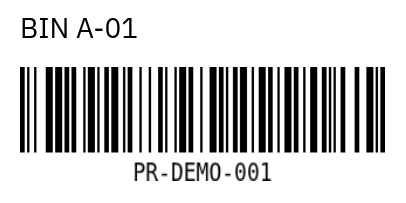
2 × 1 inches
A Code 128 example with readable bin and item identifiers. Test the barcode with your own scanner before a production run.
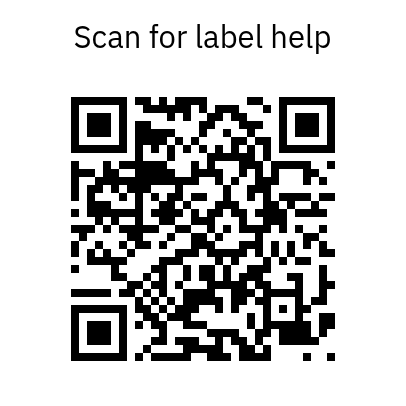
2 × 2 inches
A QR code linking to the print-test tool, with room around the code. Replace the link and proof it before printing.
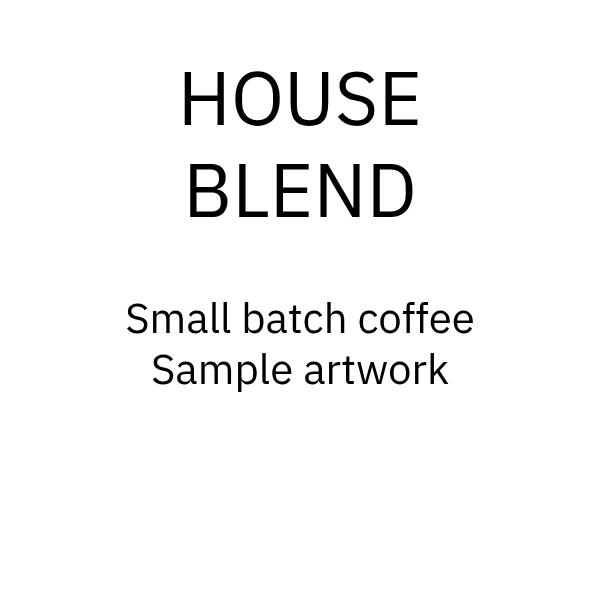
12 labels on US Letter
A 22806 square layout with sample product artwork. This is a design example, not a product-compliance label.
These PDFs were generated with PaperReady’s browser renderer. We checked the document page sizes, sheet cell counts and output in Chromium. We have not printed these examples on physical hardware. A correct PDF does not by itself verify a printer’s scaling or a barcode scanner.
Use the calibration PDFs for physical measurements and the printing check worksheet to record your own result.
You may download, adapt and share this original sample artwork, including in your own setup documentation. Link to this page so readers can find the editable files and current instructions. This permission applies to these examples; manufacturer templates and third-party software have their own terms.